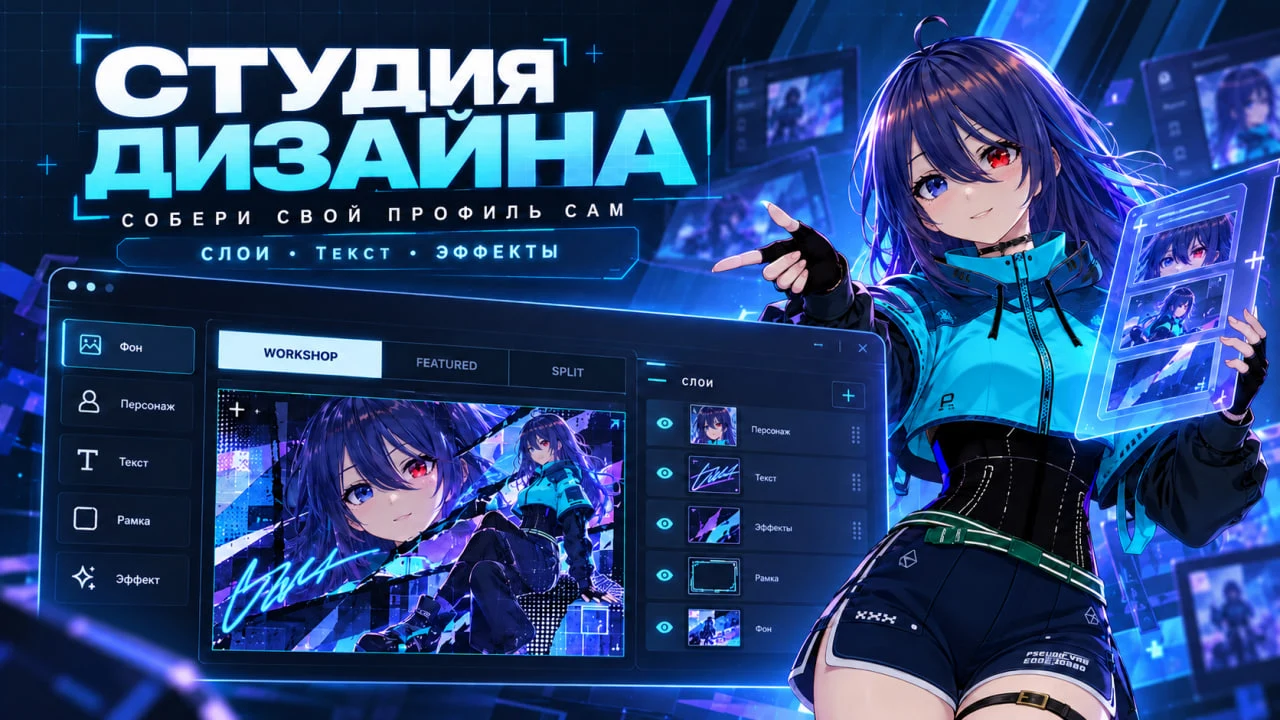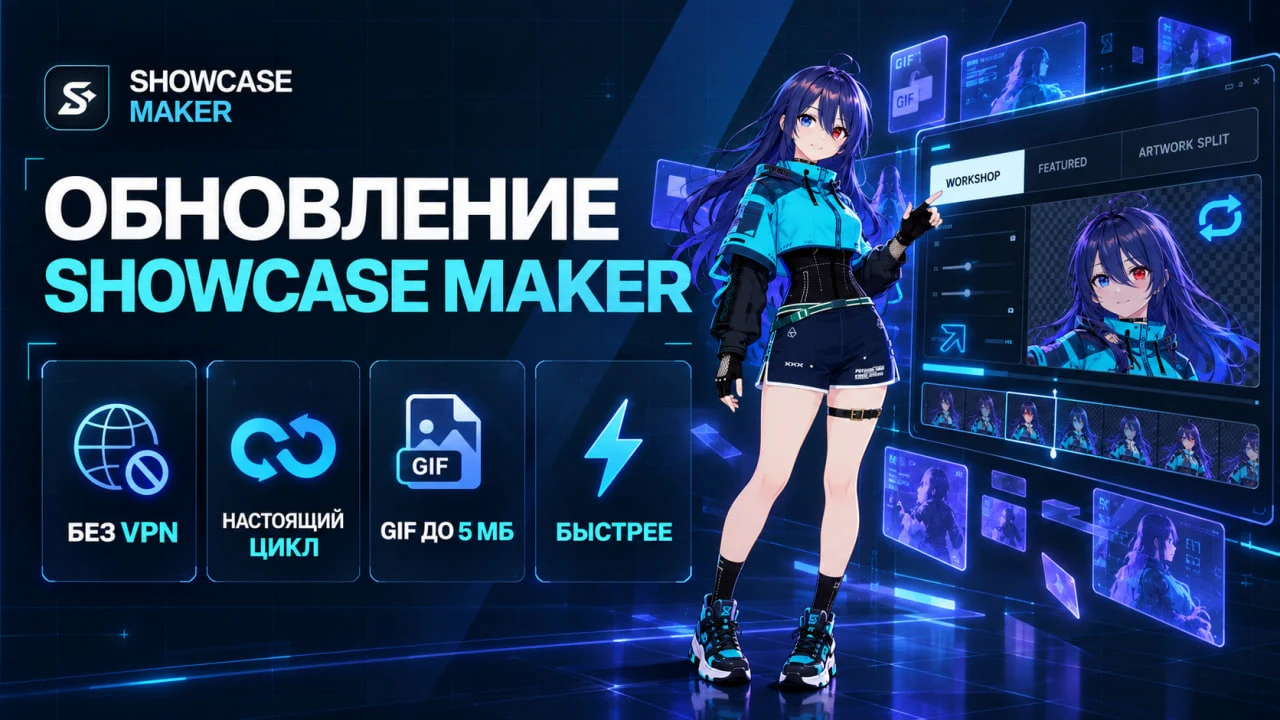
We are finishing a new version of the SteamShowcase Helper extension. Once the Chrome Web Store review is done, it will update for everyone automatically. Here is what is coming.
Automatic placement after an upload
After an automatic upload you will see a "Place the uploaded files automatically" button. The extension opens Steam's showcase editor and puts the files into the right showcase:
• Workshop — into the first free row, in the correct order;
• Artwork Showcase — the "big + narrow" pair, with the extra slots cleared;
• Featured Artwork — into its slot.
If your profile does not have that showcase yet, the extension adds it to a free place. If every place is taken, it asks which showcase to replace.
"Pick automatically" in the showcase editor
A "Pick automatically" button appears above your Workshop and Artwork showcases. It shows your uploads as batches: each batch is one upload, with its date and previews in upload order. One click puts a batch into the row or slots you want. Older uploads load on their own as you scroll.
The buttons work however you open the editor: by link or through "Edit Profile".
A friendlier Steam picker
Files uploaded through the extension have no visible names, so finding the right one in Steam's picker was hard. Now:
• files are grouped by upload, each group with its date;
• every file shows its place in the batch, for example "2/5";
• you can show the newest or the oldest first;
• there are shortcuts to your newest and oldest uploads;
• older pages load as you scroll.
My presets
A new "My presets" button in the extension window. A preset is a profile background plus your showcases with their files in the right order. For example "Green", "Red", "Dark".
• Save your current profile as a preset in one click, or build one from scratch.
• Pick a background you own on Steam.
• Choose your showcases, set their order and pick files from the full list of your uploads.
• Press "Apply in Steam". The background goes on right away as Full Screen, the showcases line up in order and the files take their places. You just scroll through and save.
• Restore your previous background with one button.
• Save presets to a file and move them to another computer.
Nothing changes without you
Showcases are saved on Steam only when you press "Save"; until then you only see a preview. Steam changes the background at once, which is why there is a "Restore the previous background" button.
We will post here as soon as the update is out. Got an idea for the extension? Write to support.