Pro turns on by itself
Pay and Pro is on your account right away, no keys and no waiting. By card or PayPal via Gumroad, or in the Telegram bot (Stars, crypto).
- 24 hours — $0.99
- 7 days — $1.99
- 30 days — $3.99
- 90 days — $4.99
- Forever — $5.99
No subscriptions: you pay once. New days are added to your current Pro, and "forever" is never shortened. Every Buy button now asks for the plan first, then the payment method. You can still enter a key if you have one.
A more generous free plan
- 5 files a day, as before
- 3 exports a day from "Create a design" instead of one
- Once a week for free (sign-in needed): AI background removal, profile rating, Steam DNA, DeviantArt publishing
- Seamless loop and design selection used to be Pro-only; now you can try them once a week
- If a job fails, the try comes back
Each of these tabs shows whether you still have a try and when the next one arrives. The week resets on Monday.
Pro only: Upscale, Steam Check and new tools while they are in beta.
GIF optimizer
A new tab for shrinking GIFs: colour limit, compression level, "Auto up to 5 MB" and a before / after comparison right on the picture. It is in beta and available with Pro.
Account page
The "Profile" menu now has "Account": your plan and days left, purchases, recent results to download, sign-in methods, nickname and password, data export and account deletion. You can change or remove your avatar, animated GIFs work too.
"Cut a file" for people new to showcases
- On the first visit a window explains what a showcase is, how to make one and from which Steam level it unlocks
- Workshop is marked "Recommended": not sure what to pick — keep it
- After cutting, the main button is "Upload to Steam automatically" with the extension; the manual way is still there
- The watermark goes only on the preview picture, the Steam files are always clean
A new home page
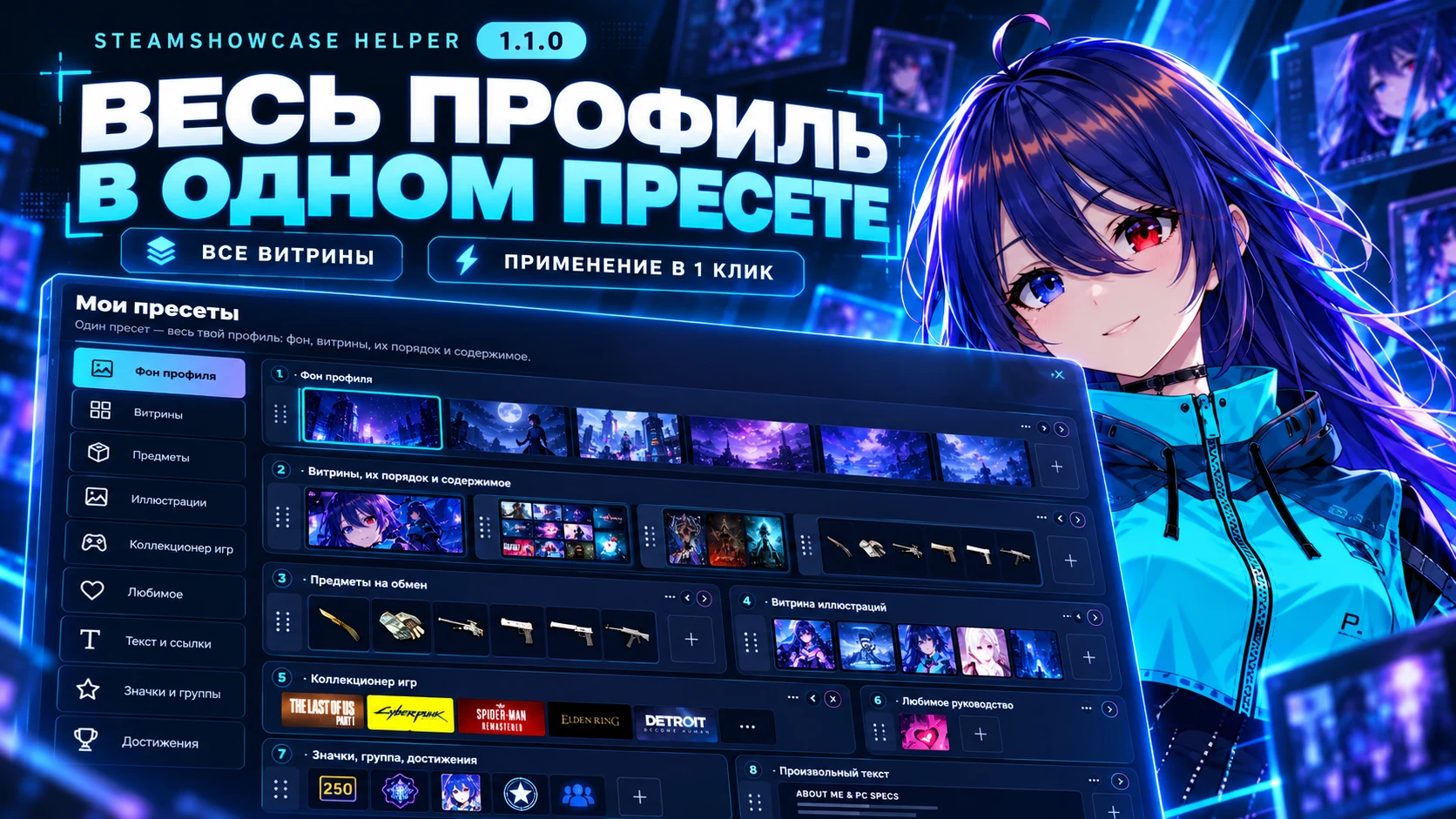
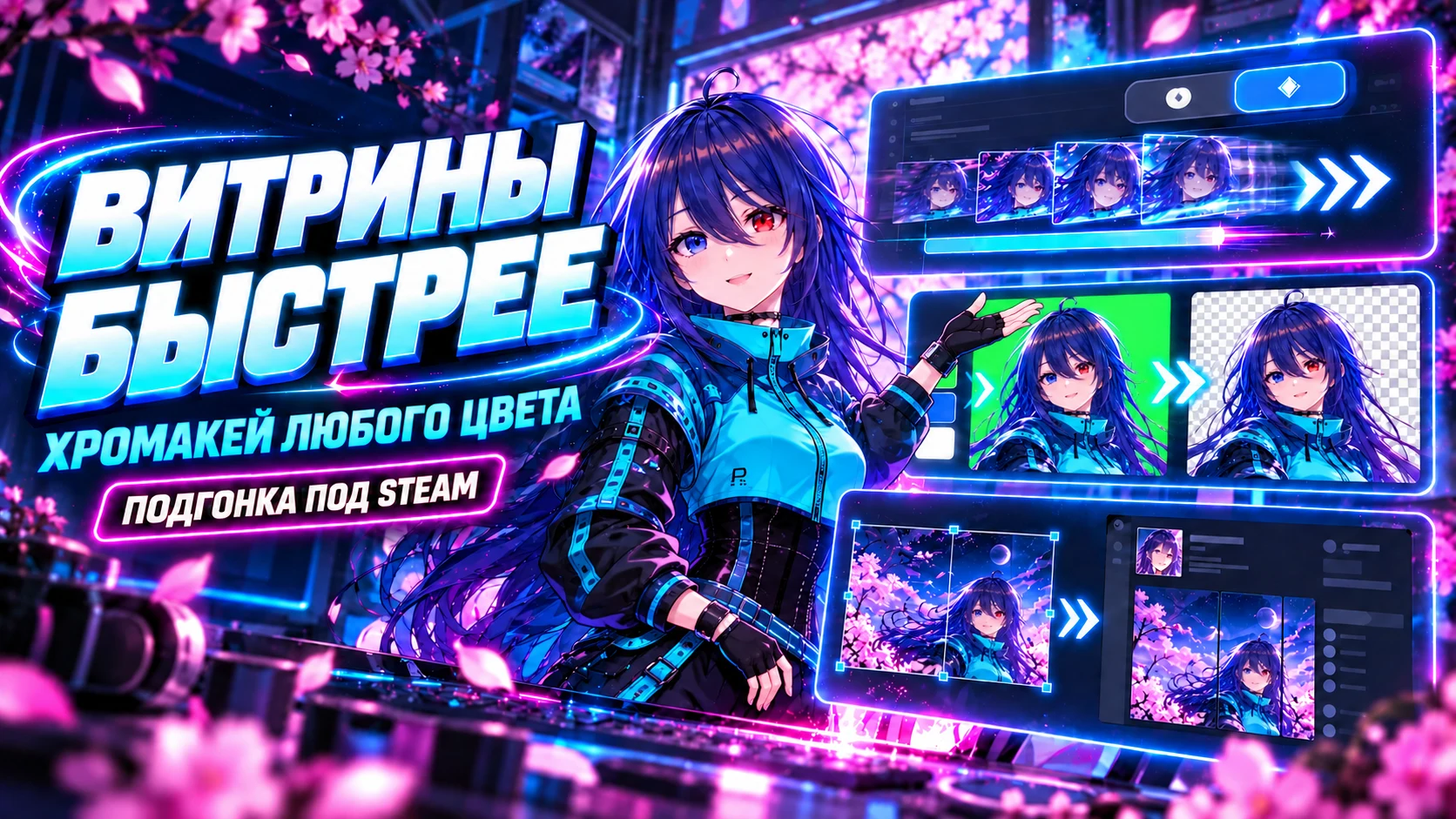
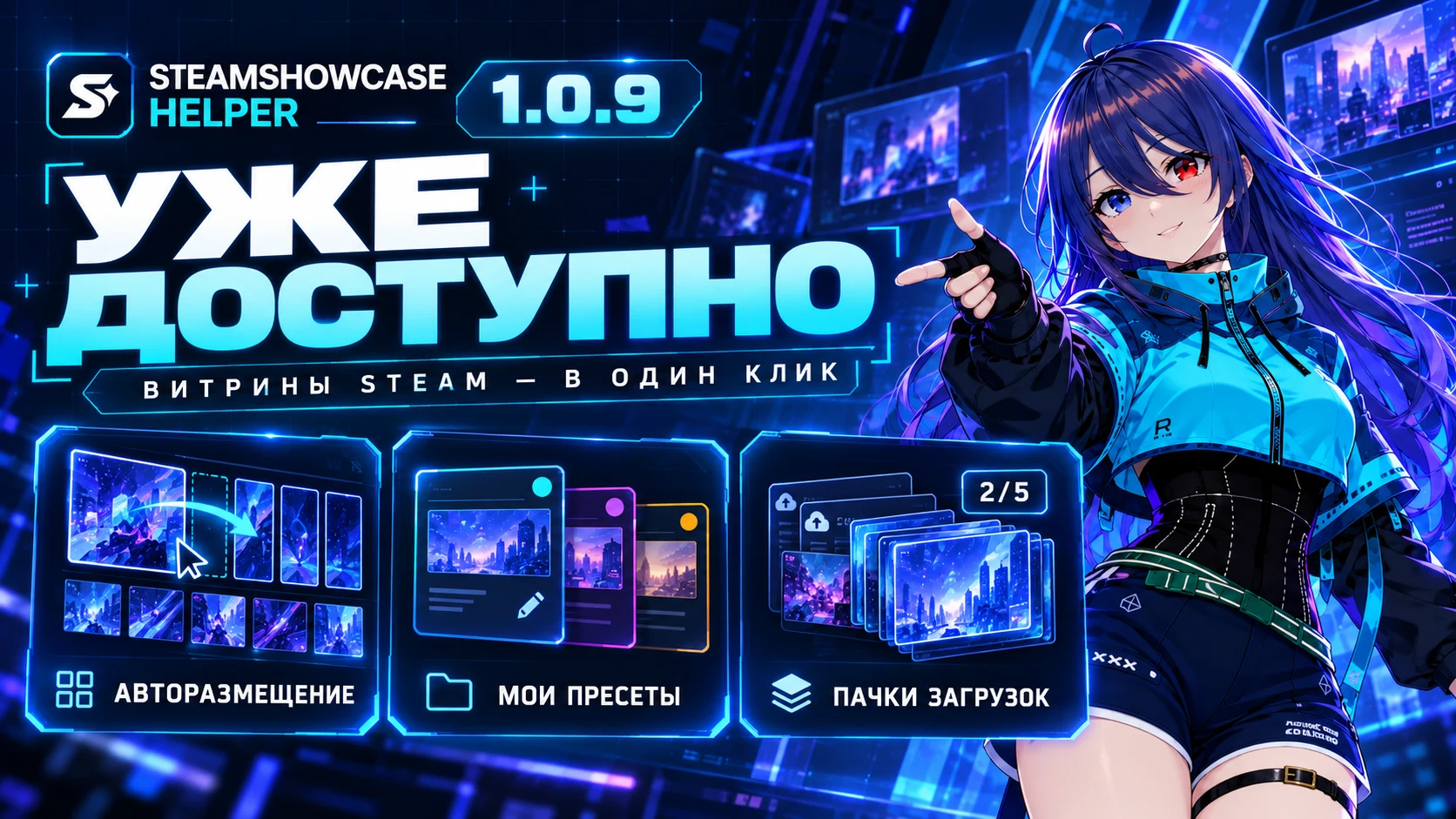
Everything below the first screen is new: one artwork cut live into the three showcase types, four steps from file to profile, every tool, the extension, plans and answers to common questions. A new character in the examples and sakura petals on the first screen.
Small things that help
- The same header on every tool tab, and the tab strip fits the screen again
- Fixed heavy CPU load after adding a video to Process
- The privacy policy now covers Gumroad and Telegram bot payments, and says that the weekly counter keeps a hash of the IP, never the address