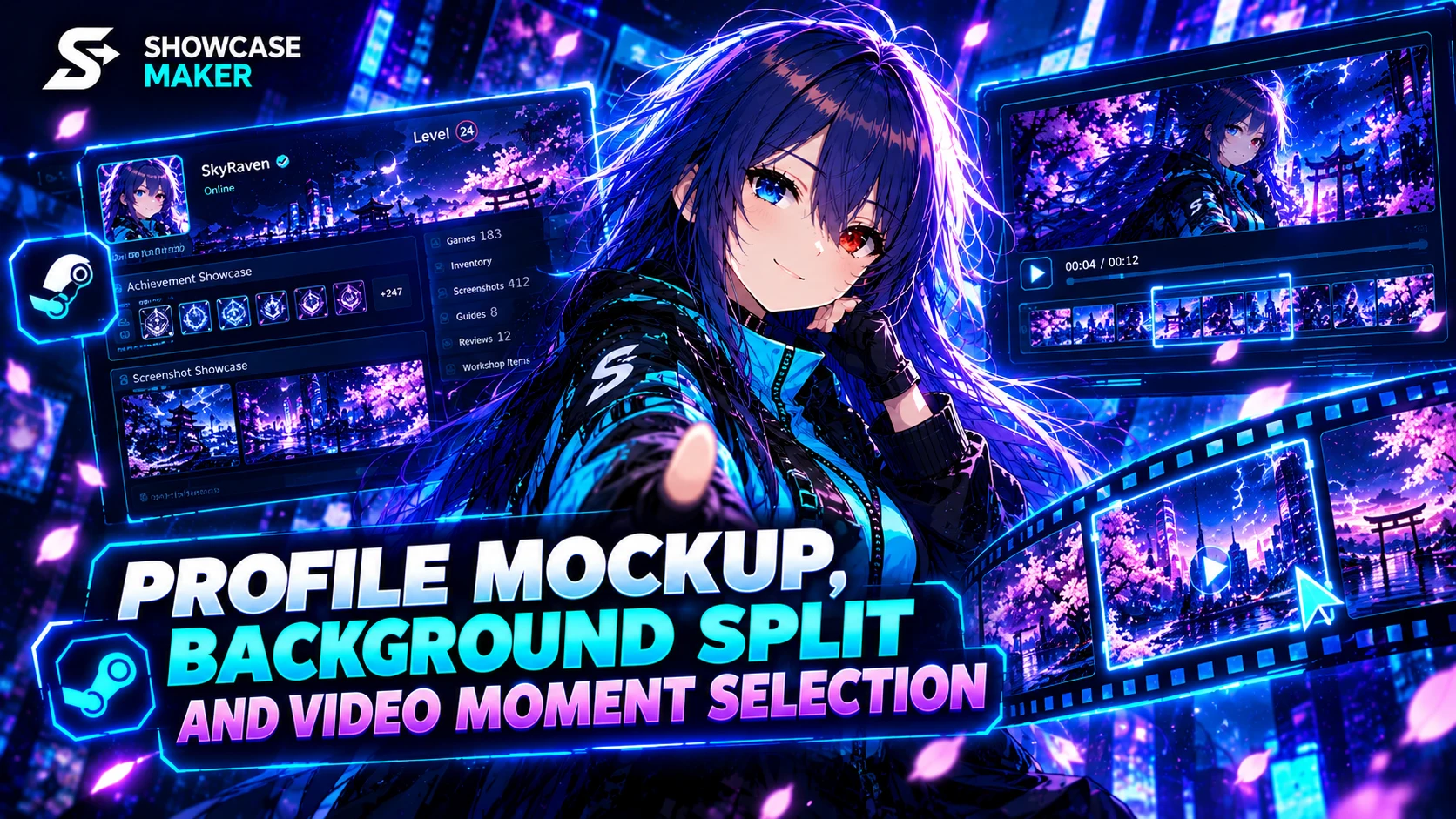
Profile mockup
Paste a link to a public Steam profile and the site shows it just like Steam does: every showcase (achievements, badges, screenshots, guides, reviews, items, workshop, info box), plus the frame, avatar, background and comments.
- Change anything: name, summary, level, status, featured badge with your own icon, avatar, frame and background.
- Reorder, hide or remove showcases, and put your own file into any picture showcase: it is cut to fit the showcase's slots.
- No profile at hand? Build one from scratch: a random animated background from the catalogue is picked when you open the tool.
- Save it as an MP4 video, 1920×1080: Telegram plays it right in the feed. Turn on a scroll-down camera and add your channel name.
Steam background cutter
Pick a background from the catalogue, by a Points Shop link or as your own file, place your showcases as on your profile, and the site cuts the pieces so the showcases continue the background.
- A still background becomes PNG files, an animated one GIFs under 5 MB.
- Everything downloads as one archive, sorted by showcase.
Process: pick the moment
Videos no longer always start from the beginning. Choose any part from 1 to 12 seconds on the frame strip and see it in the showcase right away.
Fixes
- Profile import no longer takes the frame of someone from the comments, and the avatar is your avatar, not the frame.
- The background catalogue in the tools opens in a window and works faster.