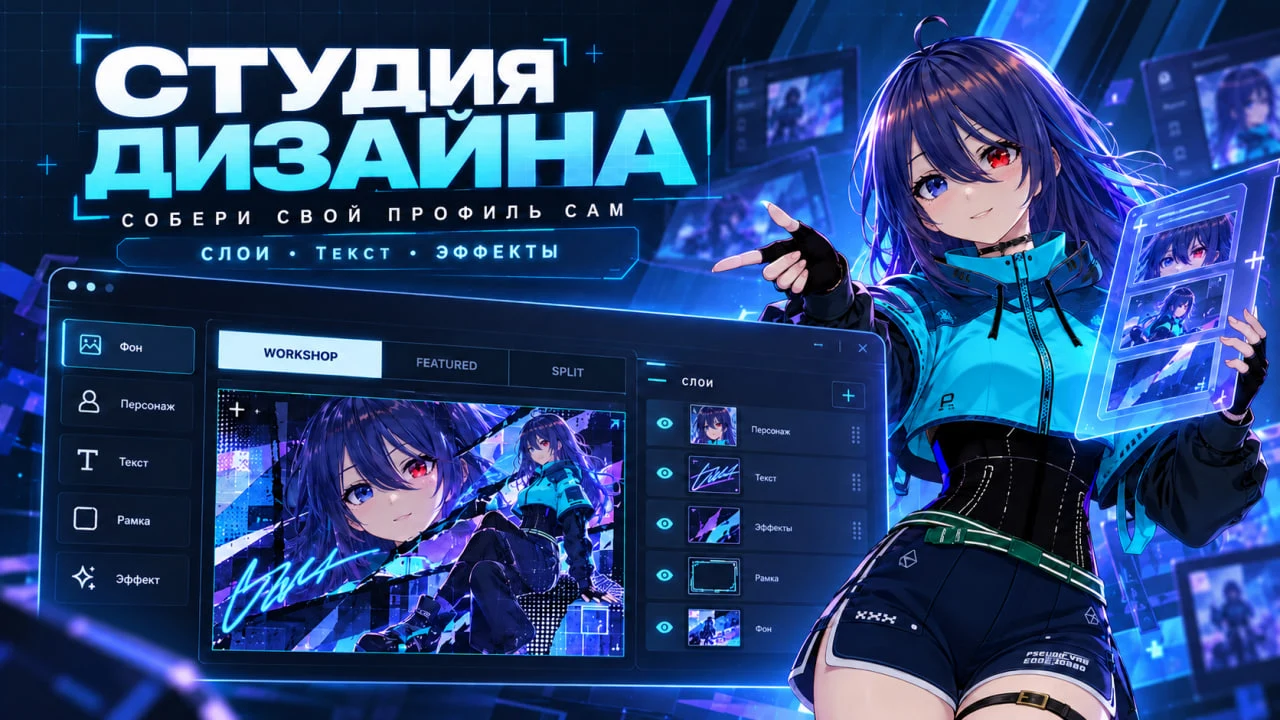
SteamShowcase Helper 1.0.9 is now live on the Chrome Web Store. If you already have it, your browser will update it automatically. If not, it takes about a minute to install.
What's new
- Uploads place themselves. After an upload, click "Place the uploaded files automatically". The extension opens the Steam showcase editor and fills the right showcase: Artwork, Featured Artwork or Workshop. If there's no free spot, it asks which showcase to replace. Nothing changes on your profile until you press Save on Steam.
- "Pick automatically" button in Steam's editor. It appears right on the Edit Showcases page and drops your latest upload into the chosen showcase.
- Uploads grouped into batches. The artwork picker keeps the files from one upload together, so you don't have to hunt for five parts among old screenshots. "Show older" loads earlier works.
- My presets. Save a whole profile look: background, showcase order and the files in each showcase. Bring it back in one click, or export and import it as a file.
- Background included. Applying a preset sets the profile background right away, with Full Screen or Original Size, and remembers the previous one.
How to update
The extension updates by itself. To get the new version right now, open chrome://extensions, turn on Developer mode and click Update. The full guide is on the Extension page.
Works in Chrome, Edge, Opera, Yandex Browser and other Chromium browsers