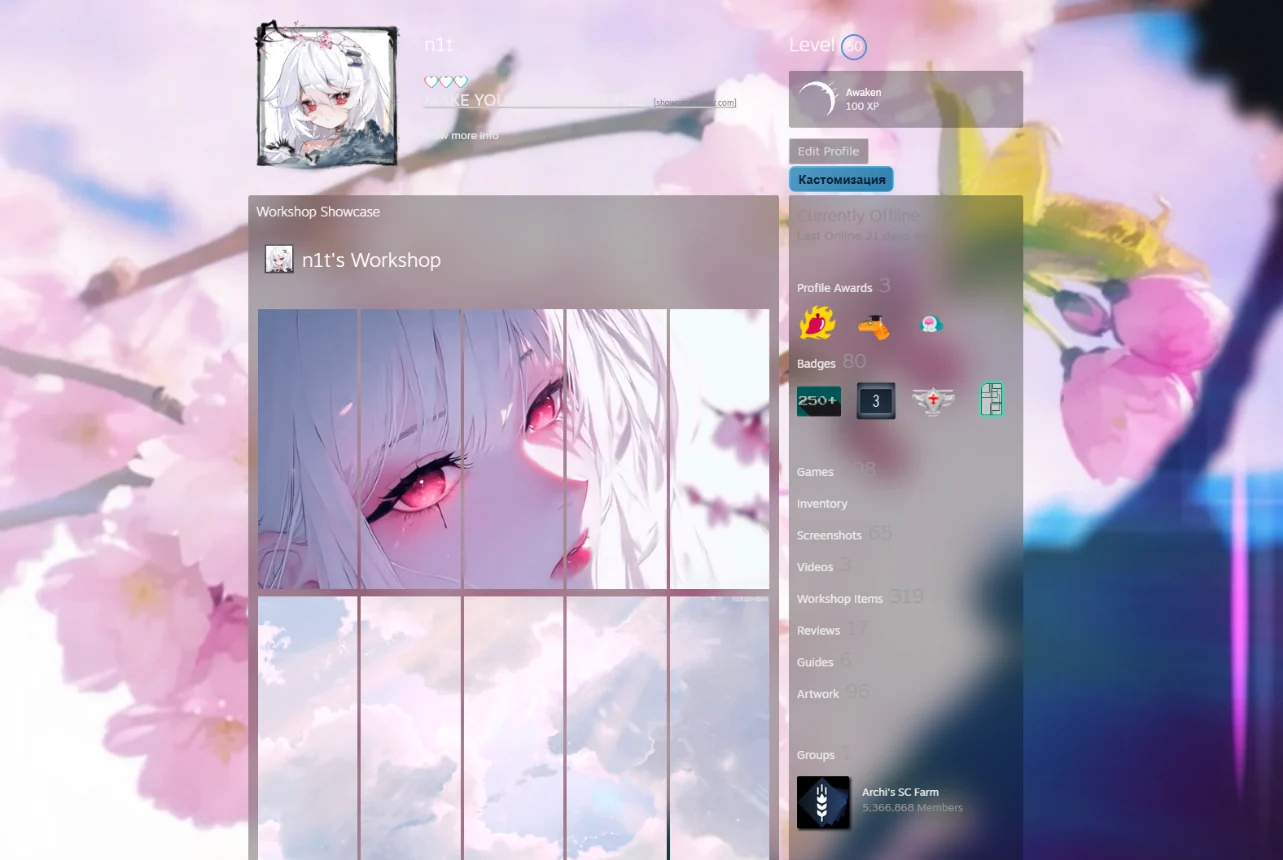
Artwork
Opens the artwork upload with the settings a long showcase needs.
A browser extension that uploads your finished Showcase Maker files to Steam, places them into your showcases and keeps whole profile looks as presets. No console, no fiddling with every file.
Click the extension icon or press Ctrl+Shift+S. Automatic upload, presets, file processing on the website and the Steam page helpers all start here.
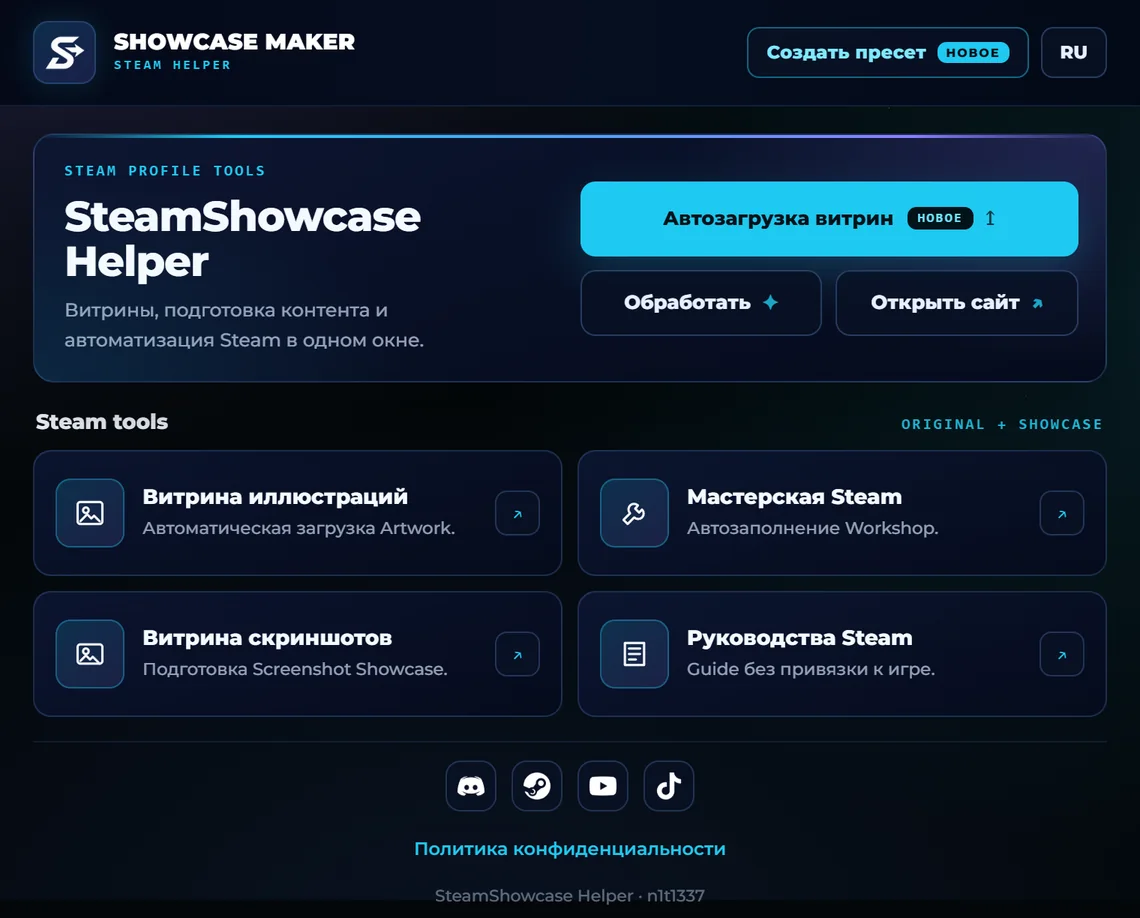
Choose the showcase type and the extension shows exactly as many slots as it needs. Drop the files into the slots or pick them with the button, then press Upload.
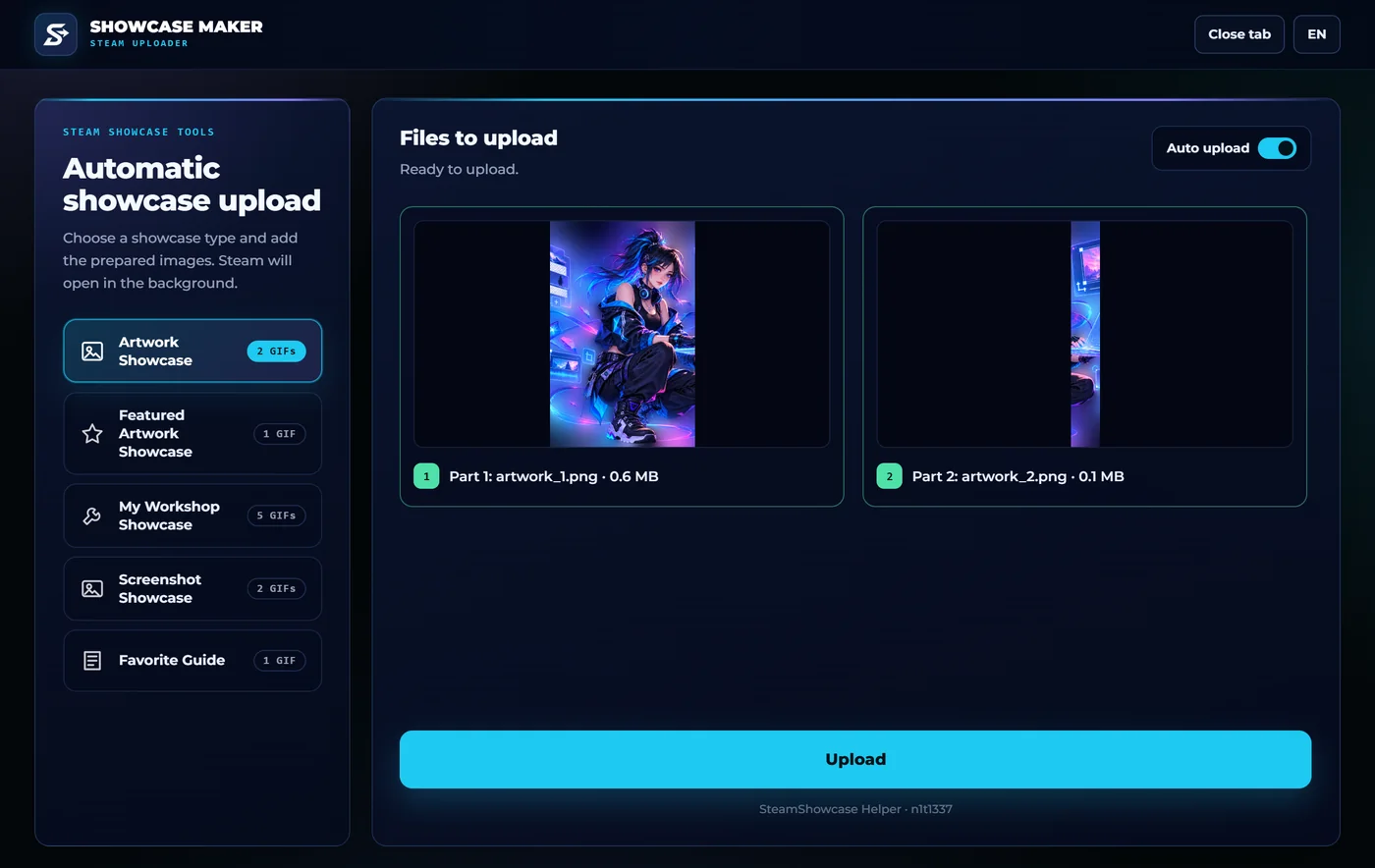 LIVE
LIVE
Steam opens in one background tab and the files go up one by one. The progress page shows which file is uploading and which are done.
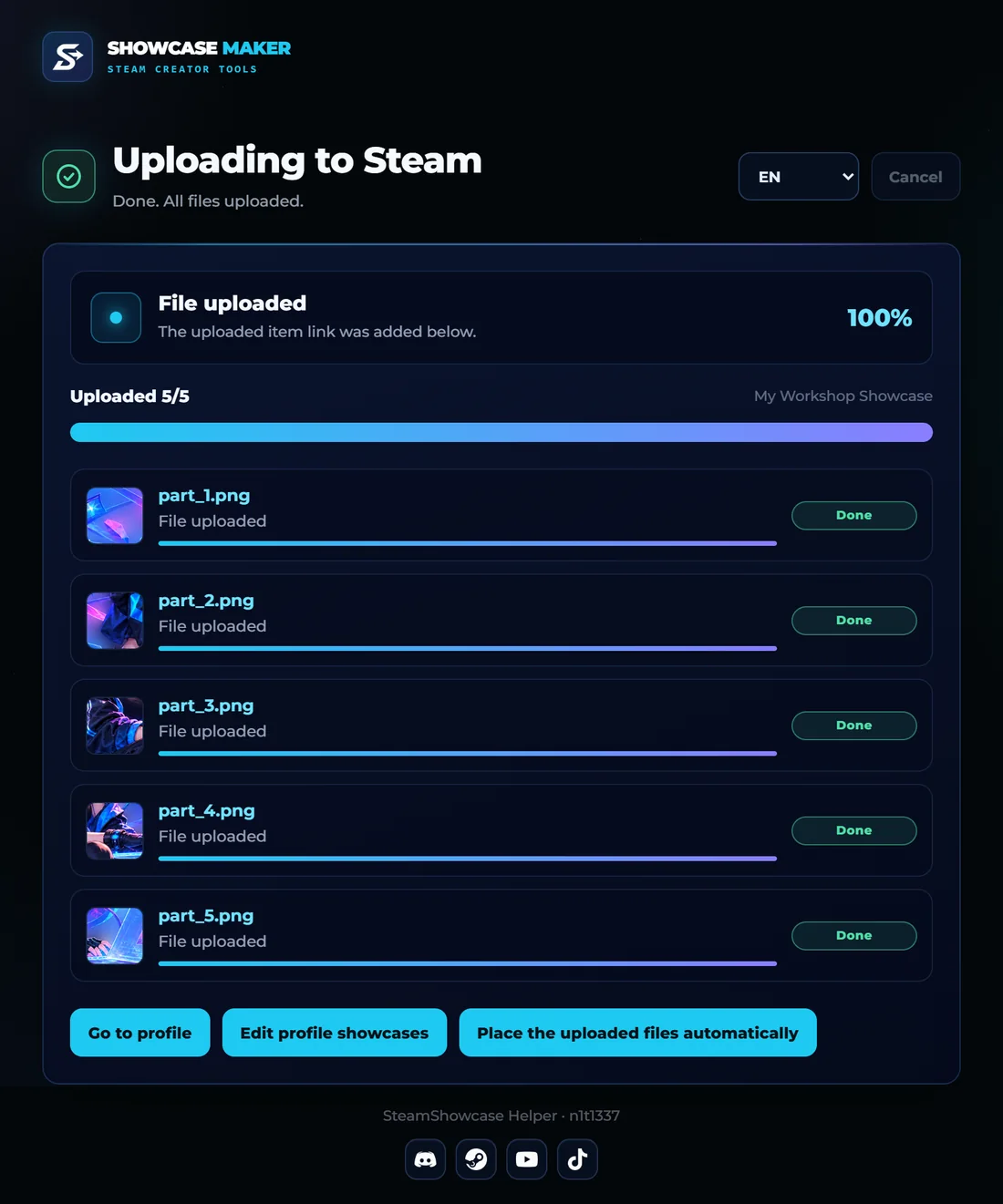 LIVE
LIVE
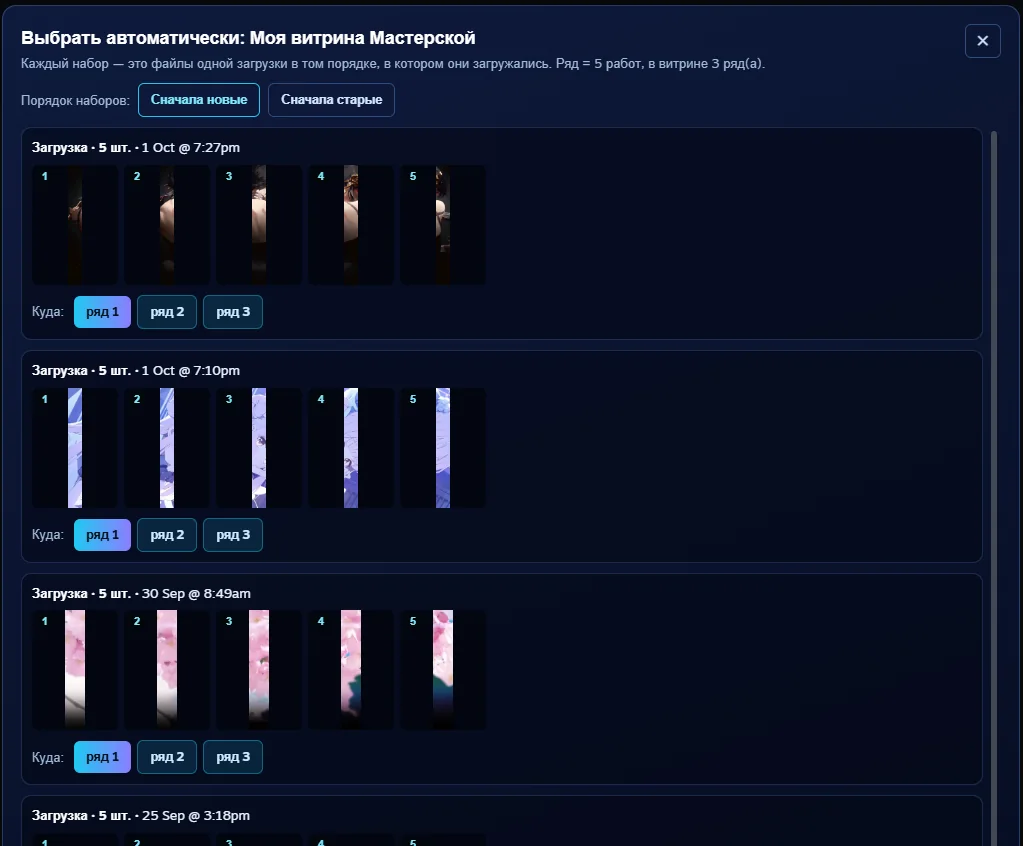
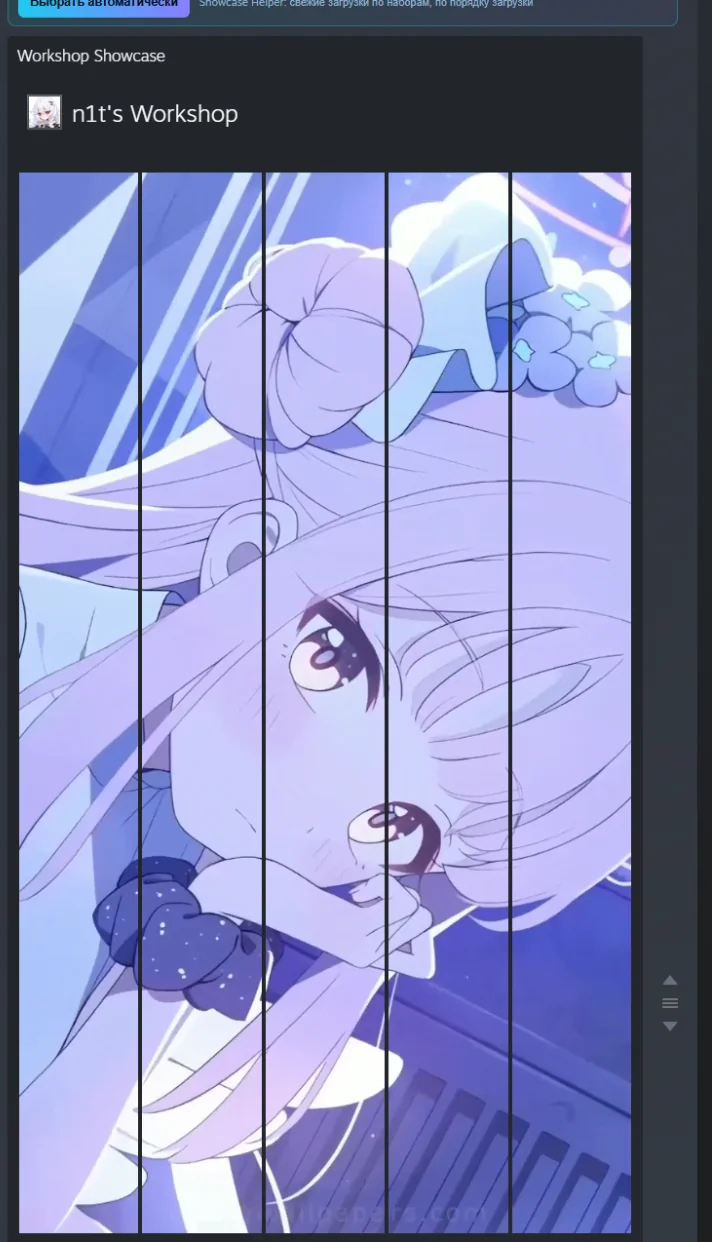
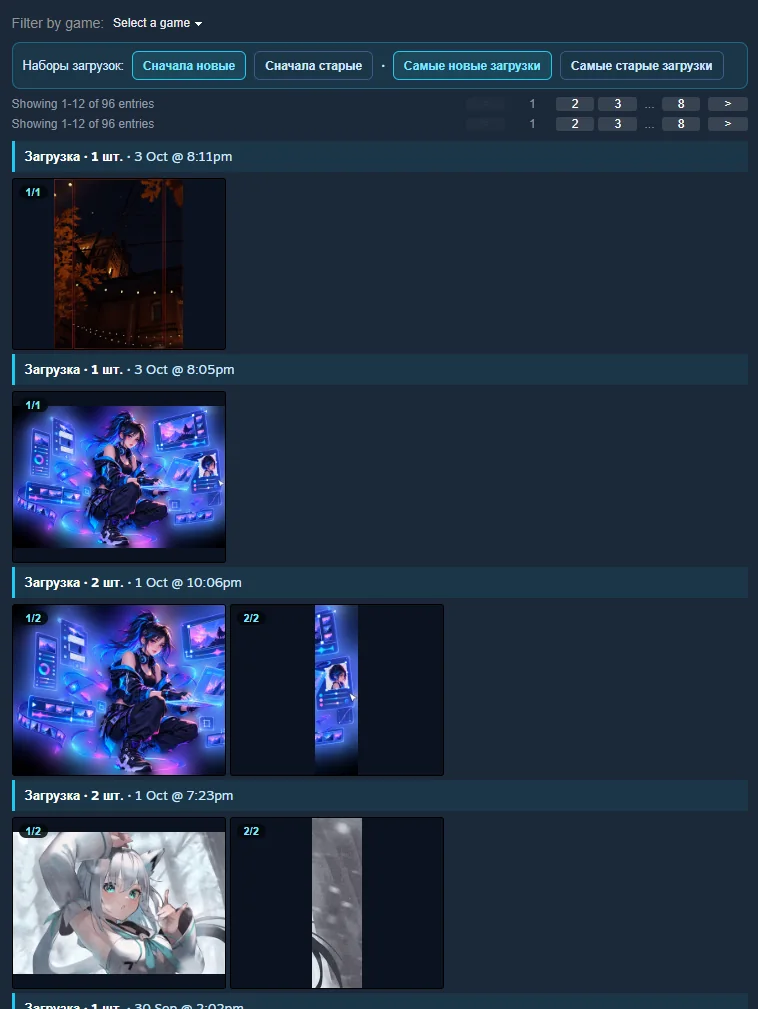
Steam’s showcase editor gets a “Pick automatically” button on Artwork, Featured Artwork and Workshop showcases. It lists your recent uploads in batches and puts the batch you choose into the row you choose, in upload order.
When you pick a file for a showcase by hand, Steam’s window also shows your uploads in batches: date, number of files and each file’s place in the batch.
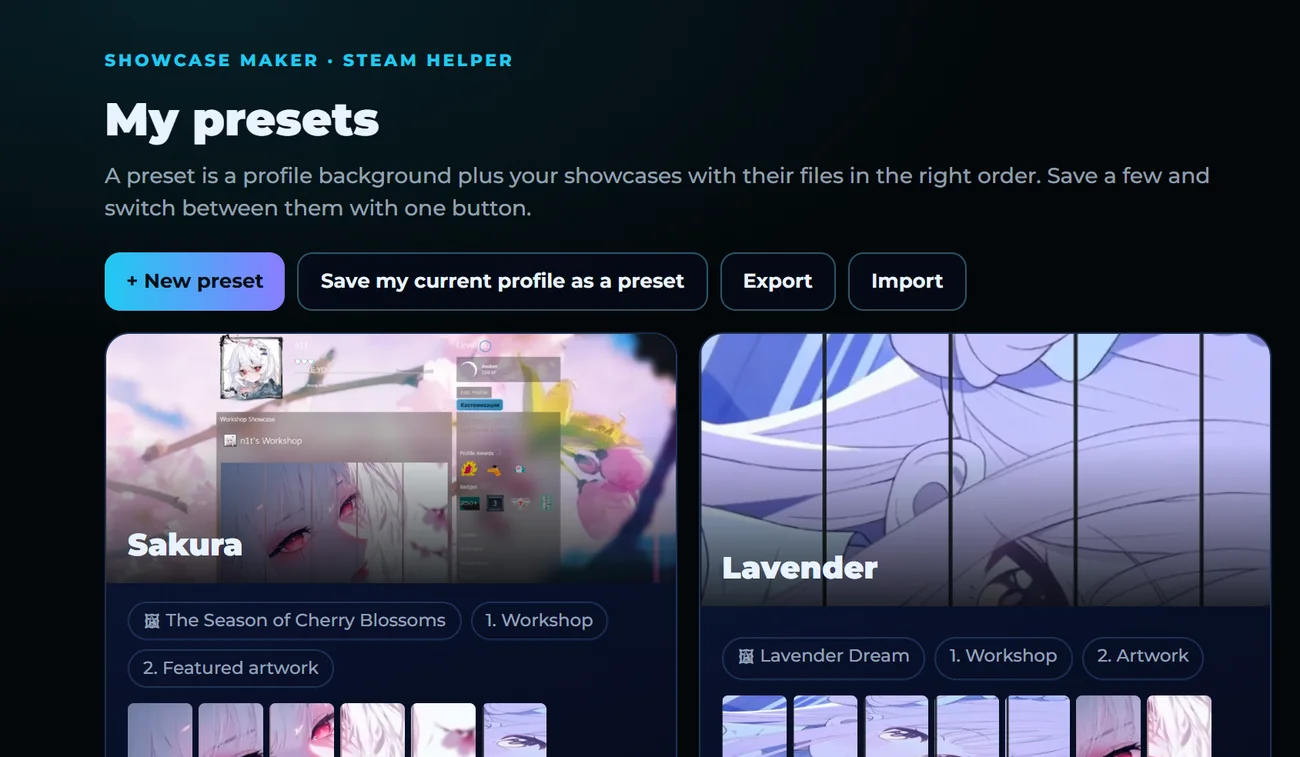
A preset is a profile background plus your showcases with their files, in order. Keep a few and switch between them, for a season or an event.
Showcase Maker detects the extension. After processing you can open the file picker or the manual upload straight away, with the showcase type already set.
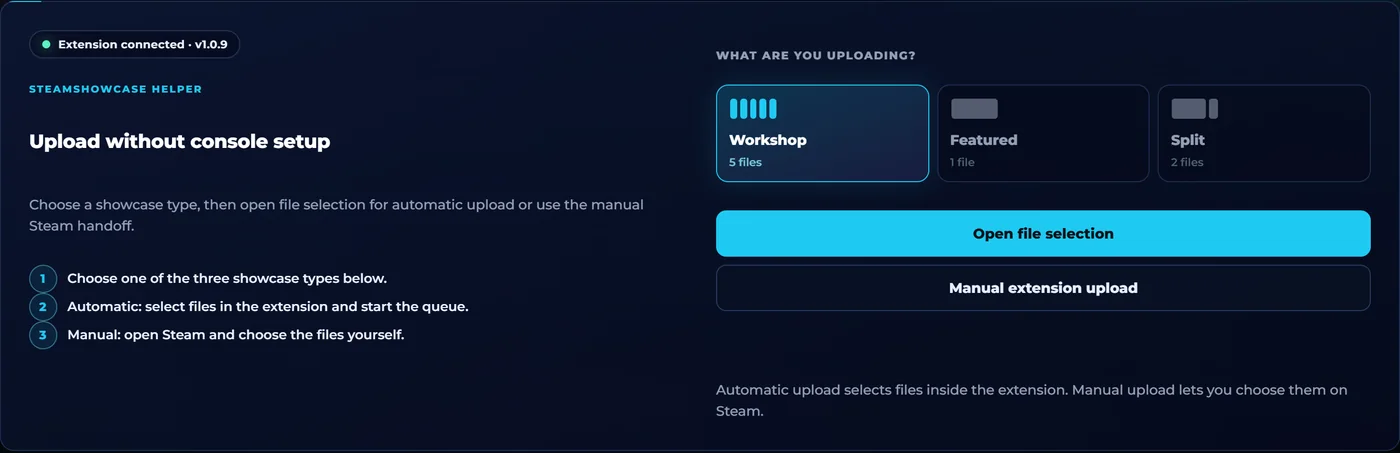
Prefer to upload by hand? The extension prepares the right Steam page and skips the extra steps.
Opens the artwork upload with the settings a long showcase needs.
Fills in the Workshop upload form; you only pick the file.
Prepares a two-file Screenshot Showcase.
A guide without a game, for the Favorite Guide showcase.
A button on your profile: try on a theme, frame, background and avatar. It is a preview in your browser only.
Yes. The extension is free; it has no subscription of its own.
Check that the extension is installed and enabled, then refresh the Showcase Maker tab. A tab opened before the installation will not see it until refreshed.
Do not pick the ZIP itself: unzip it and add the primary files part_1, part_2… Each must be under 5 MB.
Reload the showcase editor. The button appears on Artwork, Featured Artwork and Workshop showcases, so pick one of these types.
Upload the parts of a showcase in one go so they land in one batch. If part of a batch is on the next page, press “Show older”.
Check that you are signed in to Steam in the same browser and keep the upload page open while the queue runs. Retry, or upload by hand with the Steam helpers.
Install the extension, prepare the files on the website and follow the steps.