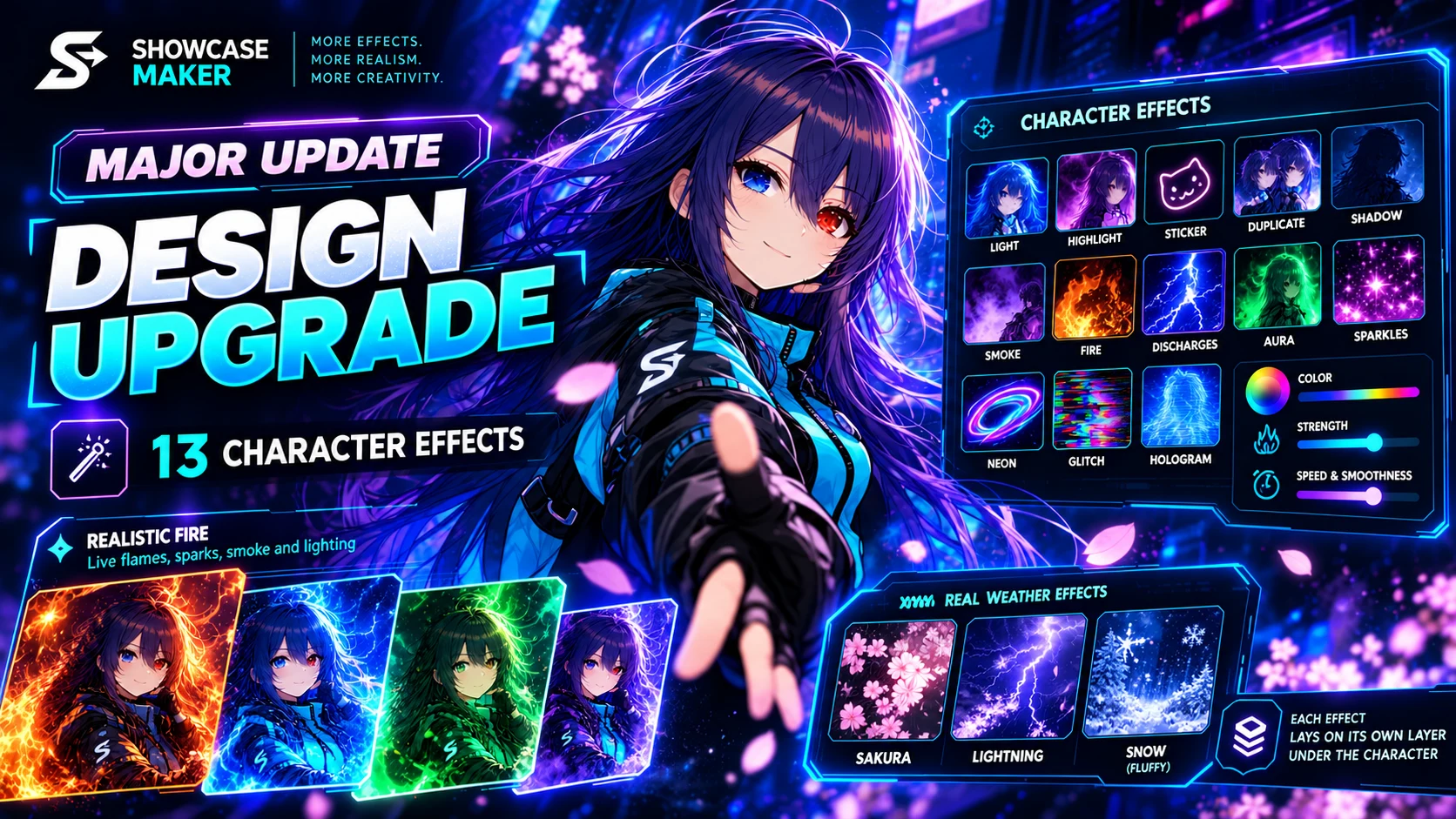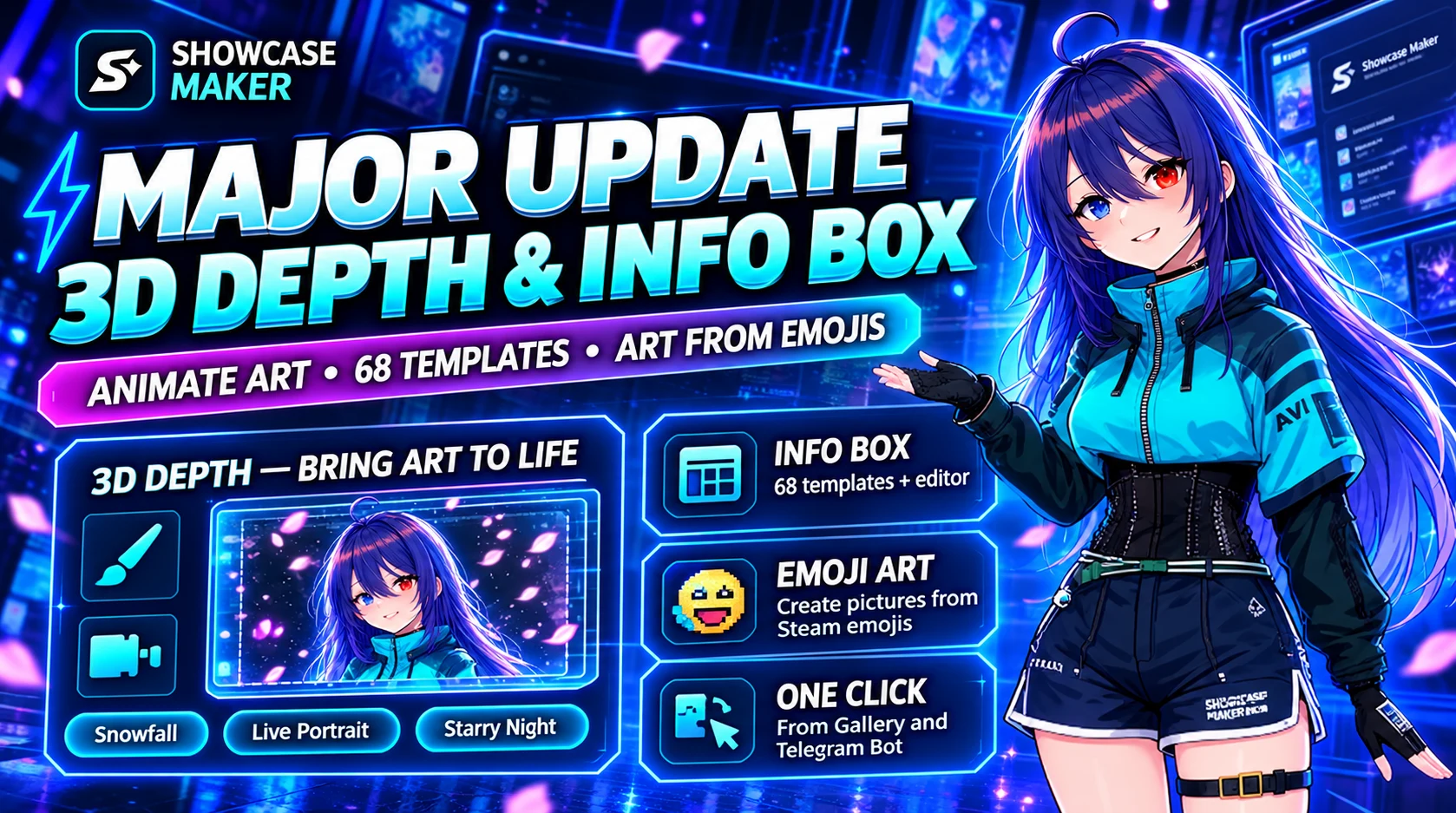
Depth 3D — bring one picture to life
A still artwork becomes a seamless 4-second animation. A neural network builds a depth map, and near and far parts move differently, like a camera in an anime opening. Nothing is redrawn, so there are no artifacts.
- Camera: orbit, sway, float, dolly
- Particles between layers: snow, sakura, rain, sparks, stars — they hide behind the character and show in front of the background
- Air: fog or a light beam, focus pull
- Breathing and hair in the wind: paint what should move with a brush right on the picture
- Quick looks: Snowfall, Sakura, Rainy night, Cinema, Living portrait, Starry night
Hair that is clearly visible — loose behind the back or at the sides — sways best.
Depth 3D in "Create a design"
The Character layer now has an "Animation · Depth 3D" button. A cut-out character comes alive and keeps its transparency: no box around it, and particles fly around it.
New Info box tab
- 68 ready templates in 9 categories, with search
- An editor with formatting buttons and a preview exactly like Steam
- "Picture to text": art made of symbols
- Community templates: share your own
A picture made of Steam emoticons
Your picture is rebuilt as a mosaic of your own Steam emoticons and goes into your Custom Info Box. Steam shows only the emoticons the author owns, so nobody else can post the same picture. Logos, silhouettes and pixel art work best.
From the Gallery straight to Steam
Like a work in the Gallery? Put it on your profile through the extension with one click.
Cutting files in the Telegram bot
Send the bot a picture, GIF or video, pick the showcase type and a frame, and it sends back a ready ZIP.
Easier for newcomers
- A "How it works" window and a wizard that picks the showcase for your Steam level
- Honest processing time and stages in words instead of a stuck percentage
- Guides in all 8 languages
And more
- A new home page with scroll animation
- Tools are grouped: everything is visible and nothing runs off the edge
- Important messages from the team now pop up right away
- The site is steadier when many people are on it, plus lots of small fixes for phones