Cutting right in Telegram
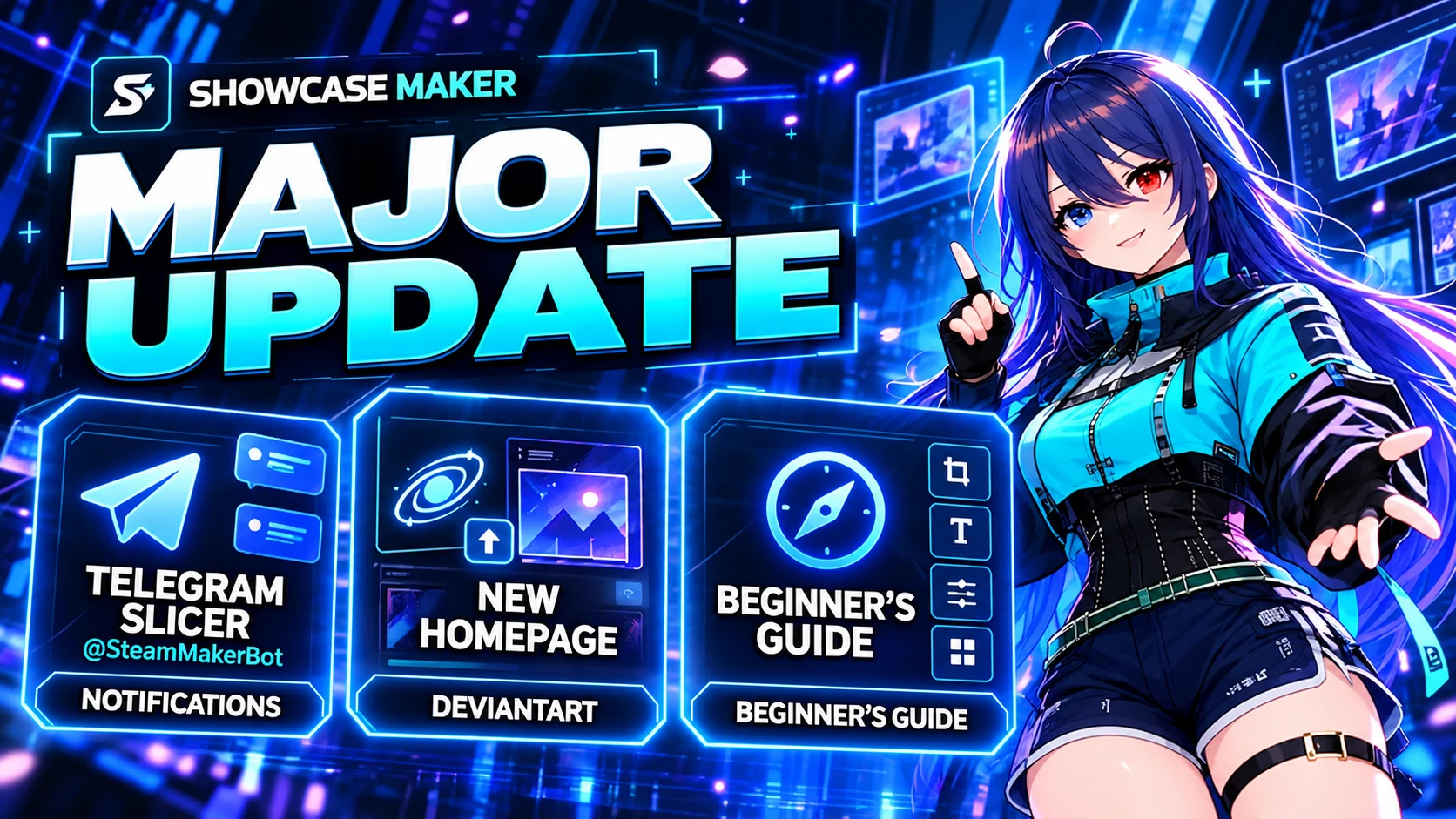
Send a picture, GIF or video to @SteamMakerBot, pick the showcase and a frame, and get a ready ZIP for Steam. It is the same cutting as on the site: the right sizes, under 5 MB, with HEX 21.
- the "✂️ Нарезать файл" button or the /cut command, or just send the file
- showcases: Workshop (5 parts), Featured (one file), Split (506 + 100)
- frames: none, thin line, neon, animated RGB
- progress in one message: queue, stage and time left
- 5 files a day for free, no limit with Pro
- send it as a file (up to 20 MB) so Telegram does not compress the picture
A new home page
On computers, scrolling the home page now plays like a film: the camera dives into the character's eyes, the room is pulled into a black hole, and after a hyperspace jump the site's name assembles from stars. Then the artwork cuts itself along the Steam grid, the tools ride by in a row, and every block has its own entrance. Slower computers get a lighter mode; phones stay as they were.
The character's monitor now shows how many people are on the site right now.
For people new to showcases
- a showcase wizard: three questions (Steam level, which showcase, what you have) and everything is set
- a "How it works" window with a sample profile, and a "Recommended" mark on Workshop
- honest cutting time: the bar really moves, you see the stage, and "almost done" replaces a frozen "5 s"
- after cutting, a hint on putting the showcase on your profile: with the extension in a couple of clicks or by hand
- step-by-step guides are now in all 8 languages
Small things you will notice
- one font across the whole site, disabled buttons are readable again
- a proper 404 page instead of a bare error
- nothing spills off the screen on phones, buttons and links are easier to tap
- Loop can be tried for free once a week with an account
- the Jobs window updates live again
- the site holds up better when several people cut files at once