
 Showcase cuts3 Steam formats
 AI UpscaleHigher quality
 AnimationsGIF · MP4 · Loop

Free plan
$0
Enough to build a showcase and see how everything works.
- 5 files a day
- Workshop · Featured · Split
- 3 exports a day from Create a design
- AI tools and Loop: once a week
- Showcase Maker watermark on the result
 SHOWCASEMAKER
SYSTEM / STARTUP
Preparing your workspace
Steam showcases. Revitalized
Workshop, Featured and Split cuts, watermark, Steam size limits, source downloads and profile preview — one browser tool for creators.
Get 2 hours of Pro freeJoin the channel and claim your free key. Get the key ↗Showcase cuts
Drop in a picture, GIF or video. Showcase Maker cuts it exactly to the Steam grid, keeps every part under 5 MB and adds HEX 21.
How it works
A picture, GIF or video. Or paste a link and download the source right here.
Workshop, Featured or Split. Add a frame and effects, then check the look on a profile mock-up.
Parts at the right size, under 5 MB and with HEX 21 already applied.

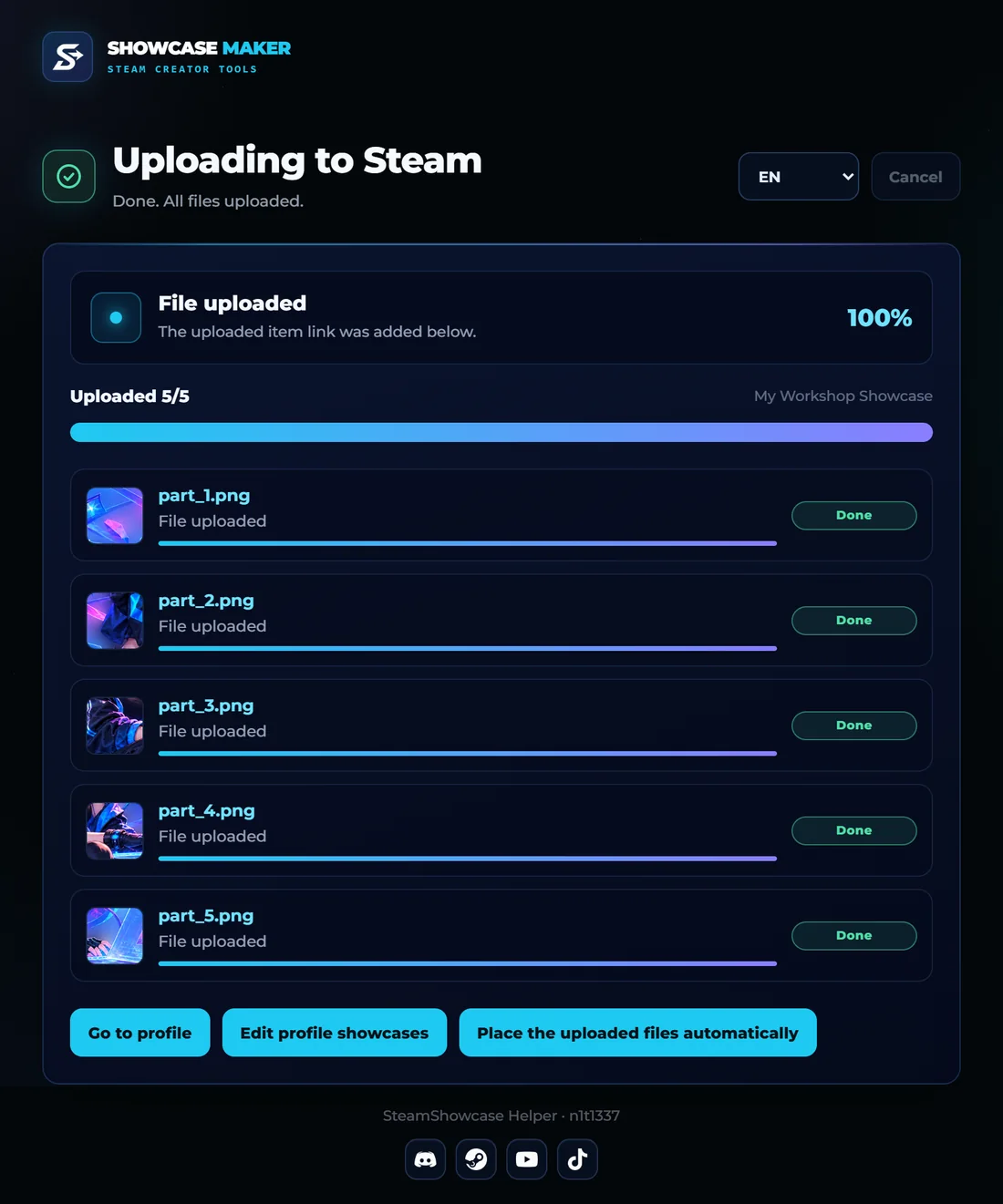
With the extension in a couple of clicks, or by hand with the step-by-step guide.
Tools
No installs and no hopping between five sites: from the source file to the upload, it is all here.
Browser extension
SteamShowcase Helper uploads your finished files to Steam, places them into the showcase in the right order and keeps whole profile looks as presets.
 Chrome, Edge, Opera, Yandex Browser
Pricing
Free is enough for a showcase now and then. Pro lifts the limits for a day, a month or for good: one payment, no auto-renewal.
Free plan
$0
Enough to build a showcase and see how everything works.
Pro
from $0.99
Pick a term. Days add up, and Pro turns on by itself after payment.
Pro forever
$5.99
One payment, and Pro stays on your account for good.
Not sure yet? Try Pro for 2 hoursA free key is waiting in our Telegram channel.
Get the key Full Free and Pro comparisonSteam profile design
A Steam profile is your page in the Steam community: a background, an avatar with a frame, a level and showcases, blocks with pictures, GIFs, text and achievements. Here is how to put a beautiful one together, step by step.
Start with one idea: a character, a game or a colour that runs through the whole page. Pick a background in the Points Shop, then make the showcases continue it: one artwork cut across several showcases reads as one big picture. Keep the text short and leave some empty space; a calm profile looks better than a crowded one.
The Workshop showcase shows five pictures in a row, so one wide artwork cut into five parts becomes a single animated strip. Featured Artwork is one large picture 630 px wide. The Artwork showcase has a 506 px main picture and a 100 px side column. There are also text showcases (Custom Info Box) and showcases for achievements, games and screenshots. Showcases unlock at Steam level 10, and higher levels give more of them.
Add a picture, GIF or video to Showcase Maker. Choose the showcase: Workshop, Featured Artwork or Artwork with a side column; the preview cuts the file exactly like Steam. Download the ZIP: every file is under the 5 MB limit of Steam and already has the HEX 21 byte that animated GIFs need. Upload the parts to Steam as artwork, or let the free browser extension do it for you.
No art of your own? The gallery has ready showcases from authors: animated Workshop strips, Featured Artwork GIFs and Artwork pairs that you can download and put on your profile in a minute. In the design studio you can build your own from a Steam background, a character, text and effects, and see the whole profile in the preview before uploading.
The Custom Info Box takes formatted text, symbols and emoticons; ready templates turn it into a card, a list or a terminal. Nickname fonts write your name in Unicode styles, and the achievement showcase can spell a word with achievement icons.
Questions
Did not find yours? Ask the assistant or write to support.
No, everything runs in the browser. The SteamShowcase Helper extension only speeds up uploading to Steam.
Steam accepts files up to 5 MB and needs the HEX 21 byte. Showcase Maker does both; for files made elsewhere use the HEX tab.
Featured Artwork is 630 px wide, the Artwork showcase is a 506 px picture plus a 100 px side column, and for the Workshop one picture is cut into five parts. Every file must be under 5 MB.
Showcases unlock at Steam level 10, and higher levels give more of them. You can prepare the files earlier.
Yes. Add a video, pick the moment you want, and Showcase Maker turns it into synchronized GIFs that fit the limits of Steam.
No. The site never asks for it. The extension works inside your own Steam session in the browser, and nothing changes on your profile until you press Save on Steam.
No. Sources and ZIPs are deleted automatically after their storage time; a preview becomes public only if you share its link yourself.
You pay once for a term, with no auto-renewal. Days add up with the Pro you already have. Pro is bound to your account and turns on by itself after payment.
No. It is an independent project; Steam and Valve are trademarks of Valve Corporation.
Start without an account: 5 files a day are free.